Reprint a kitchen docket
Open an accepted or declined order. Use the printer / Reprint button at the bottom of its details. Reprinting sends another receipt; it does not create or accept a new order.
If acceptance succeeds but printing fails, the order is still accepted. Fix the printer and reprint rather than accepting or submitting the order again. Don’t reprint repeatedly while a job may still be queued.
Bluetooth or USB?
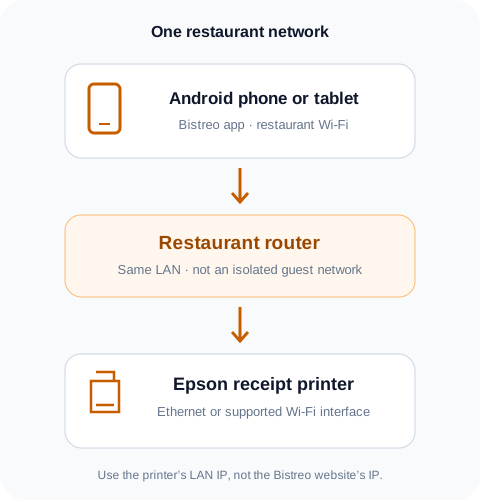
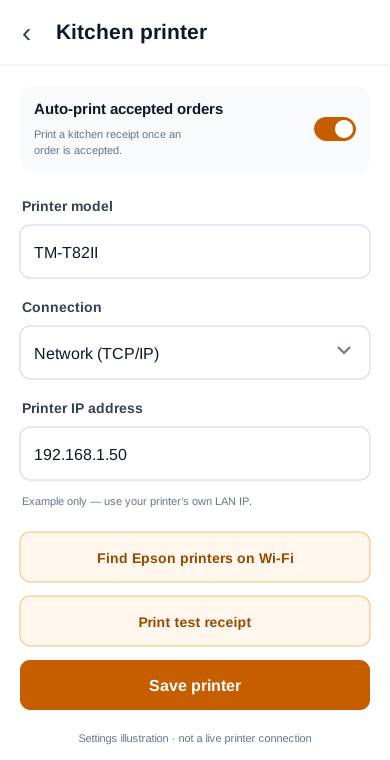
The app also lists Bluetooth and USB connections. They require a compatible printer interface and device. The current form expects the printer’s Epson transport address; the Wi-Fi discovery button only scans network printers.
For Bluetooth, pair the printer as its manufacturer instructs and allow Android’s requested Bluetooth permissions. For USB, use a compatible USB host/OTG connection. If you don’t know the correct transport address, contact support—don’t enter a LAN IP for Bluetooth or USB.